

Let’s consider this a part 2 for this 2024 post:
The 9 colors of the CoCo’s high resolution screens…
Read that first, then come back. I’ll wait.
Ready… PSET… GO!
In Microsoft Extended Color BASIC on the Radio Shack Color Computer, high resolution graphics command were added. There were fancy commands like DRAW for drawing complex designs, then simpler command like LINE and CIRCLE.
Even simpler was the PSET command which would set an individual pixel on the screen. This was the high resolution equivalent of SET in Color BASIC for the text screen (64×32 blocks).
I had a Commodore VIC-20 at the time, but remember getting a call from my Radio Shack sales guy, Don, to tell me they had just gotten in a new Extended BASIC that I should come out. I did, and fell instantly in love with being able to do things with simple commands versus confusing POKEs on my VIC.
I read through the manual in the store, and created programs on their CoCo. One of them used PSET to randomly place dots on the screen:
0 'RNDPSET.BAS
10 PMODE 3,1:PCLS:SCREEN 1,1
20 PSET(RND(256)-1,RND(192)-1,RND(4)-1)
30 GOTO 20
Oh the fun we had back then.
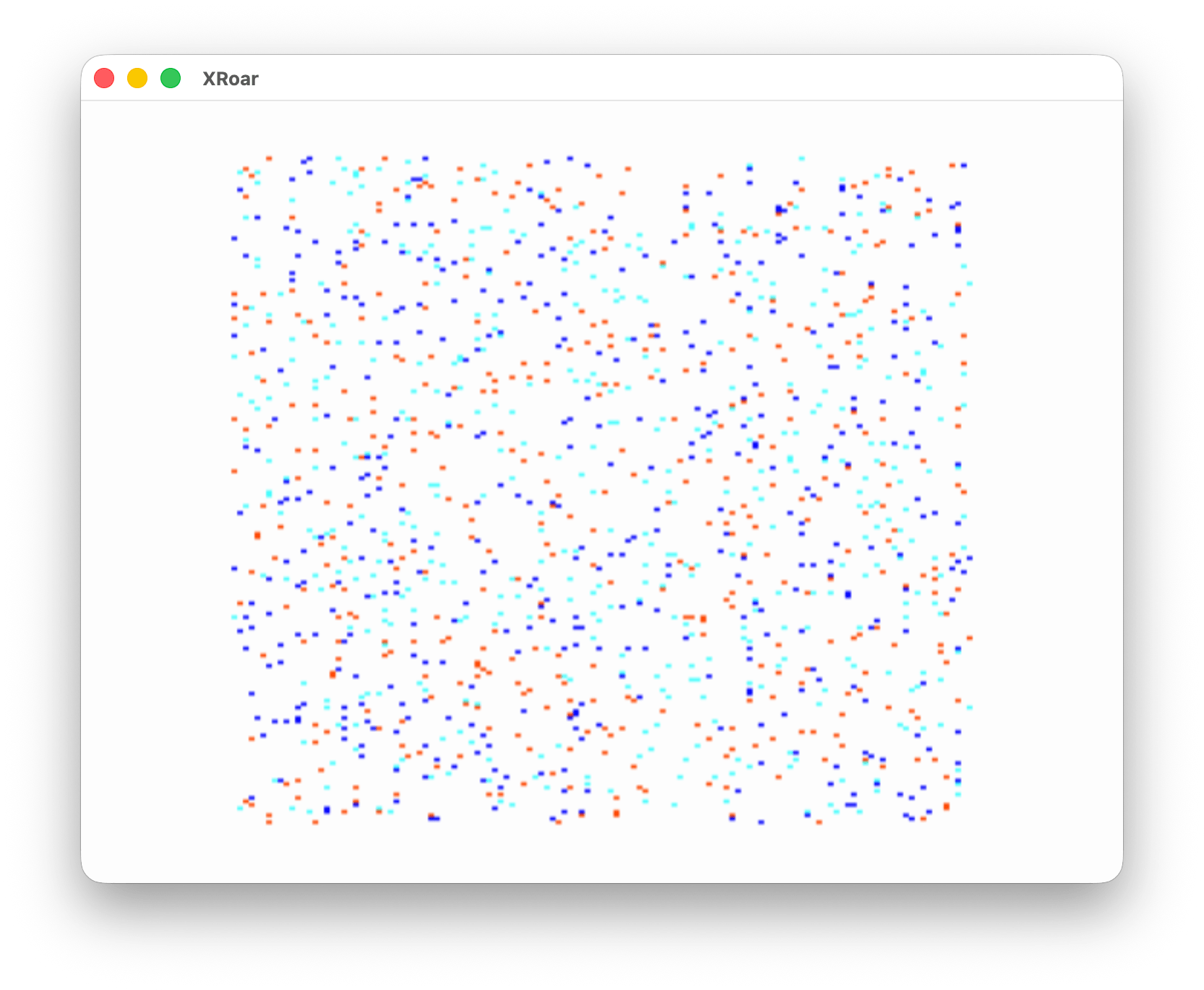
Use the SCREEN 1,0 color set and you get different colors:
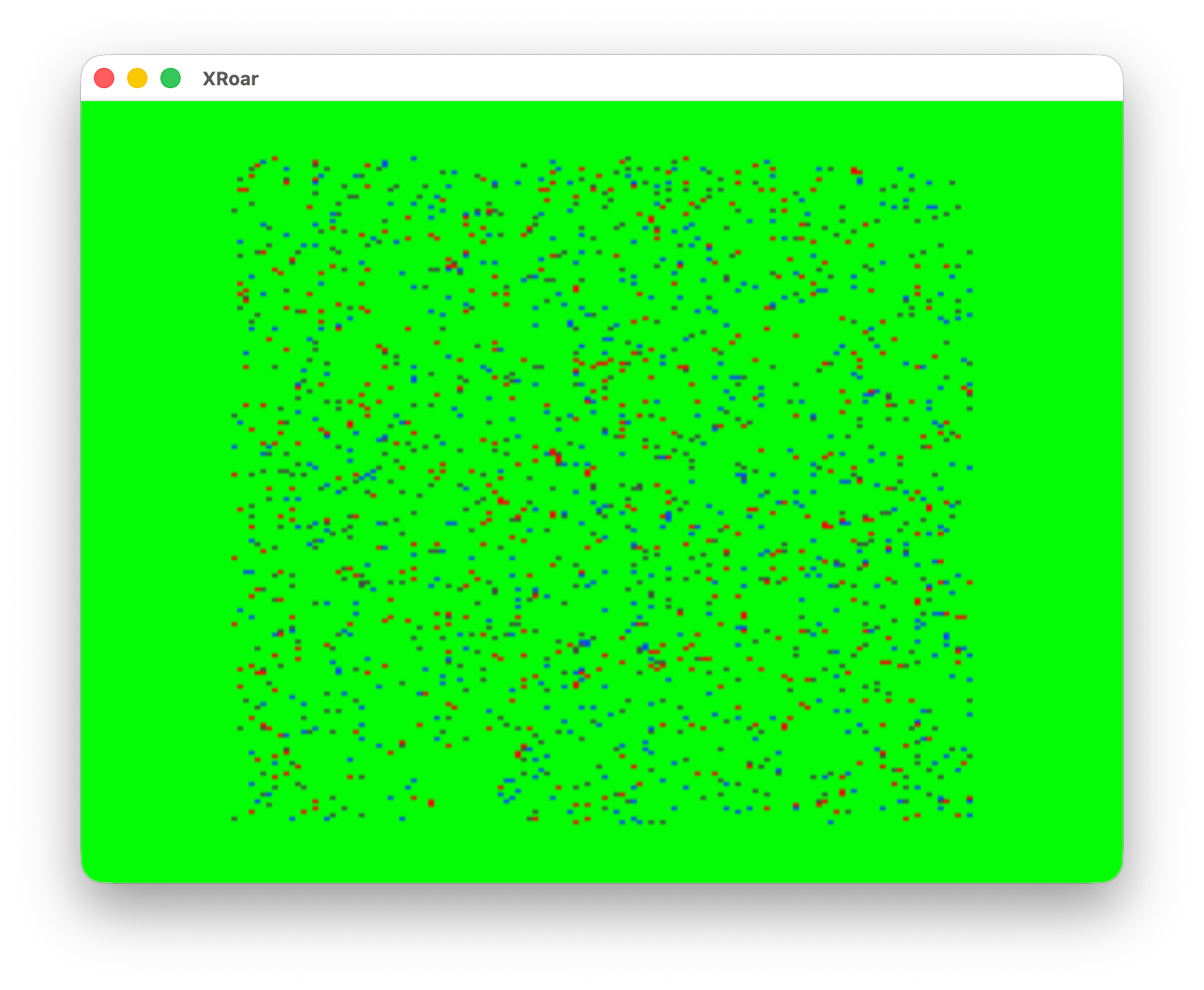
The PMODE 4 screen (256×192) was only two colors, white and black, but TV set (composite video, NTSC) created artifact colors that made it look weird. The emulators try to simulate this effect:
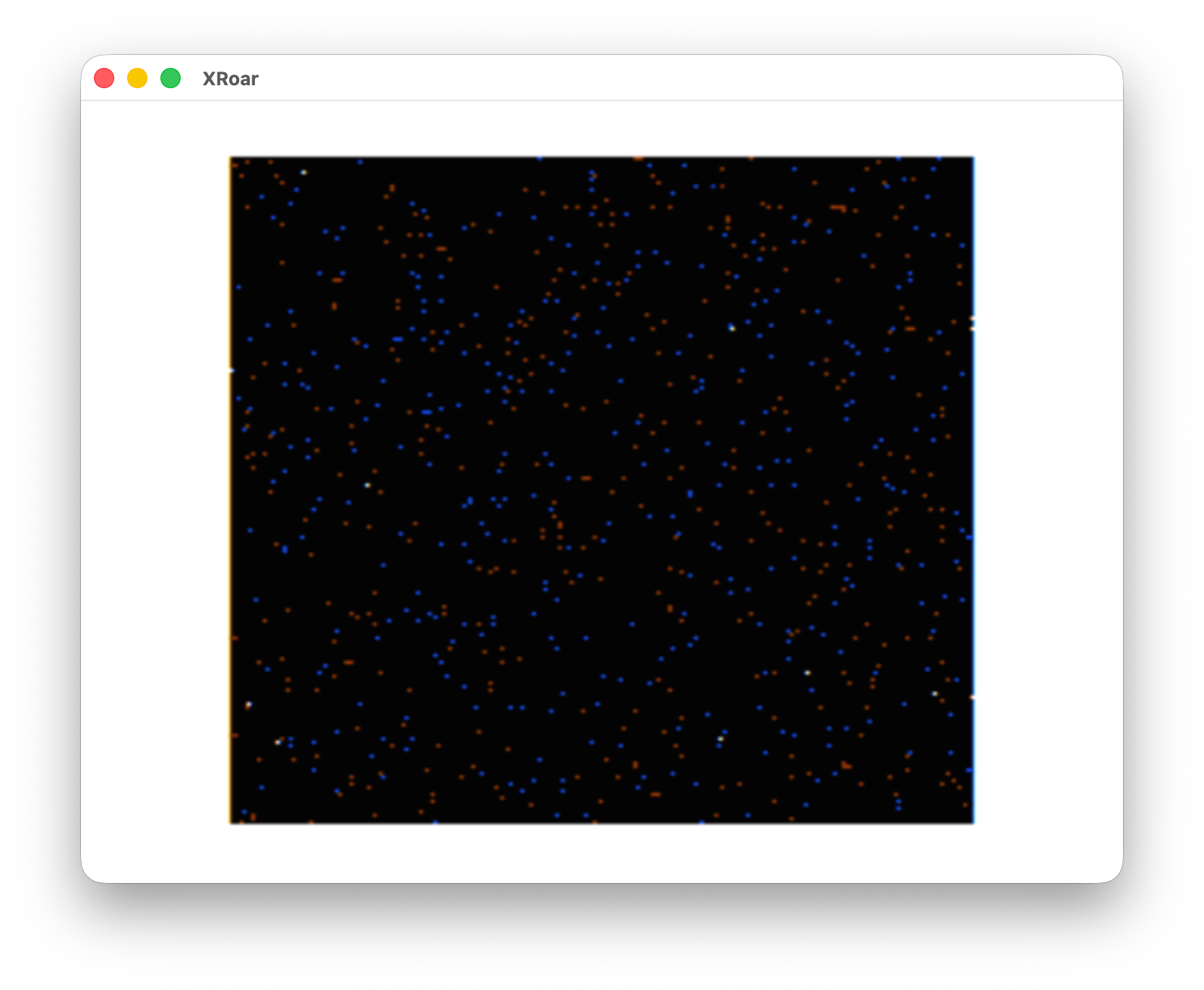
Depending on the mode the CoCo power up, even column pixels would be red and odd would be blue, or the reverse. While the CoCo 3’s video hardware could control this, on the CoCo 1 and 2 it was “random.” You could keep hitting the rest button until the colors flipped. Thus, many CoCo 1/2 games started up to a solid red (or blue) screen, expecting you to know what to do to get it the color the game wanted, or, if the programmer was fancy, it might even tell you what to do:

And if the programmer was really fancy they could just handle it in software based on what you told it you saw (“Press 1 if the screen is RED, 2 if it is blue” kind of thing.)
NOTE: I wanted to include a screenshot of this but I cannot remember which games worked like that. If you know, leave a comment and I’ll update this post.
Get to the PPOINT!
PSET would put a pixel on the screen using a specific color:

The syntax is:
PSET (X, Y, C)The C was the color, and it accepted a value of 0-8. But, you did not get nine colors on any of the high resolution screens. You got either 2 (black/green or black/buff or using the alternate color set), or 4 (green/yellow/blue/red or buff/cyan/magenta/orange using the alternate color set). You had to know the range of the 4 color values to use for the mode you were using.
Or did you?
No. The C value could be 0-8 on any graphics screen, so most programs I saw used 0-1 for two color, or 0-3 for four color. And that’s not at all how Radio Shack described it in the manual… but it worked and kept us from having to memory color ranges based on modes. (See my 2024 article, link at the top of this one, for a table showing how this worked.)
And my point is … PPOINT returns the value that “should” be used — not the value you PSET there! If you were using a screen that wanted colors 5-6-7-8 and you used colors 1-2-3-4, you could PSET color 1, but when you would PPOINT that pixel, you got back a 5 — the same color, but the value you were supposed to be using.
Thus, anyone who made use of PPOINT learned this. I did not use it, and I never learned it until 2024 in the comments to that earlier post.
So for fun, I wrote this program that cycles through each PMODE (0 to 4) and then PSETs each color value (0-8) to a pixel and then reads the pixel color back using PPOINT. It prints it out so we can see this:

The first value of the column is the C value that was used in PSET. The number after it is the return value from PPOINT. So “1) 5” means PSET(0,0,5) and P=PPOINT(0,0).
PMODE 0, PMODE 2 and PMODE 4 are a two color modes, so the range of colors you can use (0-8) are just the same two colors over and over – 0 and 5. PMODE 1 and PMODE 3 are four color modes, so you see the range repeating the same four color values over and over, different depending on the mode.
And, if you used the alternate color set (SCREEN 1,1), you got a different set of color values:

Here is the code:
10 'PPOINT0.BAS
20 'SET PIXEL USING COLOR
30 'THEN PPOINT THE COLOR
40 CLS
50 PRINT@6,"PMODES - SCREEN 1,0:"
60 PRINT STRING$(32,"-");
70 FOR M=0 TO 4
80 PMODE M,1:PCLS:SCREEN 1,0
90 PRINT:PRINT@64+M*7+1,M;
100 FOR C=0 TO 8
110 GOSUB 160
120 NEXT:NEXT

130 GOTO 130

140 'SET PIXEL WITH PSET
150 'GET PIXEL COLOR
160 PSET(0,0,C):P=PPOINT(0,0)
170 PRINT@96+M*7+32*C,USING "#) #";C;P;
180 RETURN
And slight changes for the other color set:
10 'PPOINT1.BAS
20 'SET PIXEL USING COLOR
30 'THEN PPOINT THE COLOR
40 CLS
50 PRINT@6,"PMODES - SCREEN 1,1:"
60 PRINT STRING$(32,"-");
70 FOR M=0 TO 4
80 PMODE M,1:PCLS:SCREEN 1,1
90 PRINT:PRINT@64+M*7+1,M;
100 FOR C=0 TO 8
110 GOSUB 160
120 NEXT:NEXT

130 GOTO 130

140 'SET PIXEL WITH PSET
150 'GET PIXEL COLOR
160 PSET(0,0,C):P=PPOINT(0,0)
170 PRINT@96+M*7+32*C,USING "#) #";C;P;
180 RETURN
It dawns on me now that a BASIC program could detect what screen was being used by PSETting something and then reading it back with PPOINT. Based on the number that returned, you could tell which PMODE and SCREEN was being used.
But that’s a program for a different time.
Until then…
As I recall, the BASIC source code only uses 0 to 3 bits to set the colors.
However, all eight or nine bits are used to maintain the colors.
The Ppoint function also translates the bits to the appropriate values for the screen, since internally, the bytes only contain values from 0 to 3 for each nibble.
What’s even more interesting is when it moves to the semi-graphics (24, 12, 6, and the rest) where it can use all the colors, except for the computer actors 1 and 2.
That surprised me even more; the game Cabe Hunter uses it.
Please delete the previous comments and leave only the last one since the translator messed me up
I have never seen that game! Looks interesting. Kinda reminds me of Grabber.